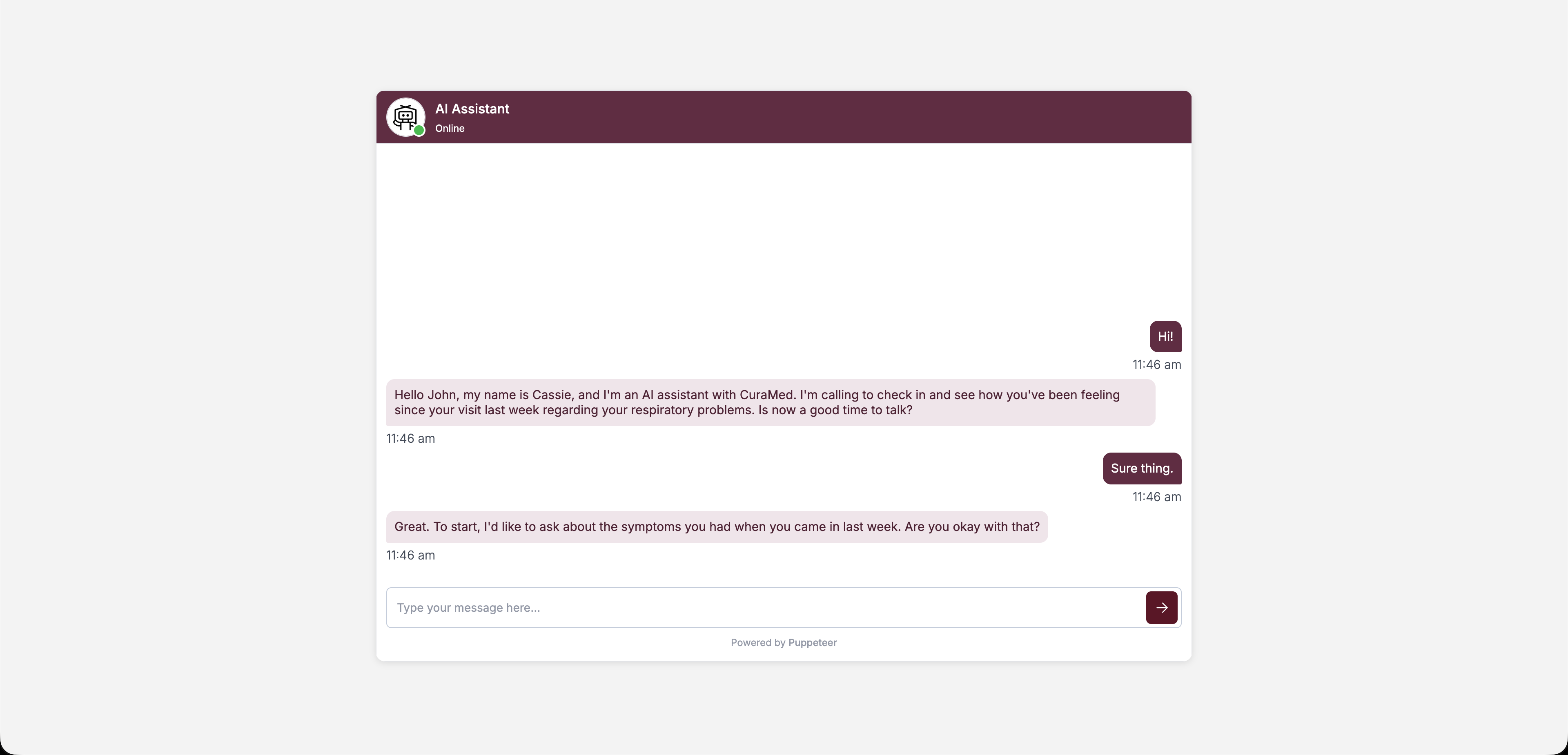
Basic setup
Add an iframe pointing to the/widget route:
Theming
Pass color and branding options as URL parameters:| Parameter | Description |
|---|---|
projectId | Your project ID (required). |
accessToken | Pre-generated access token for the thread. |
headerBgColor | Header background color (hex-encoded, e.g. %23712F4A). |
headerTextColor | Header text color. |
headerBotName | Display name shown in the header. |
agentImage | URL for the bot’s avatar image. |
botBubbleBgColor | Background color of bot message bubbles. |
botBubbleTextColor | Text color of bot message bubbles. |
userBubbleBgColor | Background color of user message bubbles. |
userBubbleTextColor | Text color of user message bubbles. |
jsonInput | JSON string with initial data for the thread. |
Hex color values must be URL-encoded — replace
# with %23. For example, #712F4A becomes %23712F4A.Full example
Opening a specific thread
By default, the embed creates a new thread. To open an existing thread, generate a JWT token for that thread and pass it as theaccessToken parameter:
Interaction modes
The embed supports three interaction modes depending on your project configuration:- Text — Standard chat interface.
- Web Call — Browser-based voice call.
- Phone Call — Triggers a phone call to the user.