Web UI
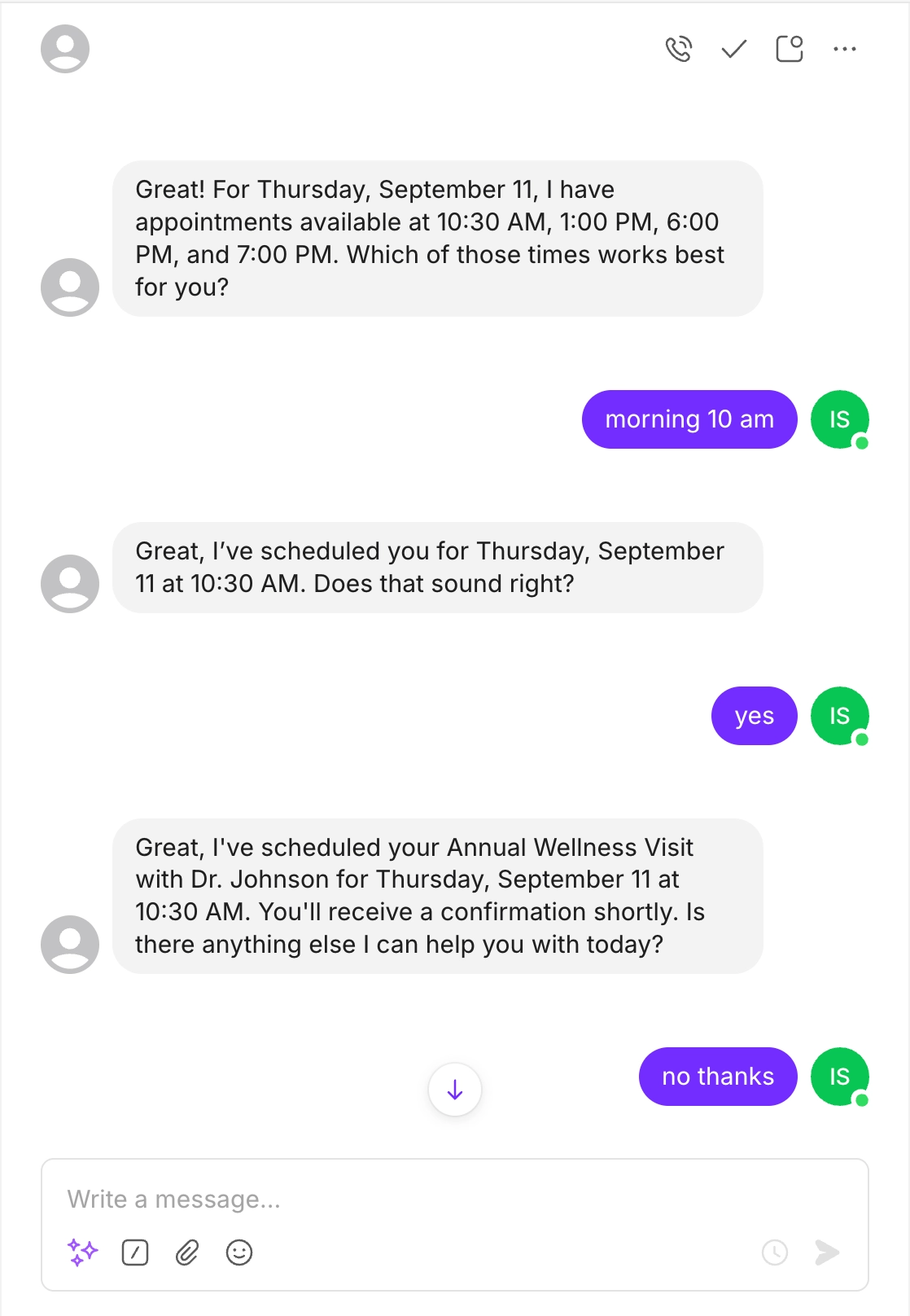
Three web-based options, each with a different level of customization:- Chat Widget — A floating bubble that expands into a chat window. Install with a single script tag.
- Chat Embed — The same chat interface, embedded inline via an iframe.
- Rich Dashboard — A fully hosted, branded experience with text chat, voice calls, phone calls, form collection, and white-labeling.
API
Build your own UI or integrate Puppeteer into existing systems using the REST API and WebSocket endpoints. The endpoints documented in the API Reference are a subset of what’s available. Contact our team if you need access to additional functionality.Phone Call
Agents can make and receive phone calls. This works for both inbound use cases (e.g., an AI receptionist) and outbound ones (e.g., appointment reminders).SMS
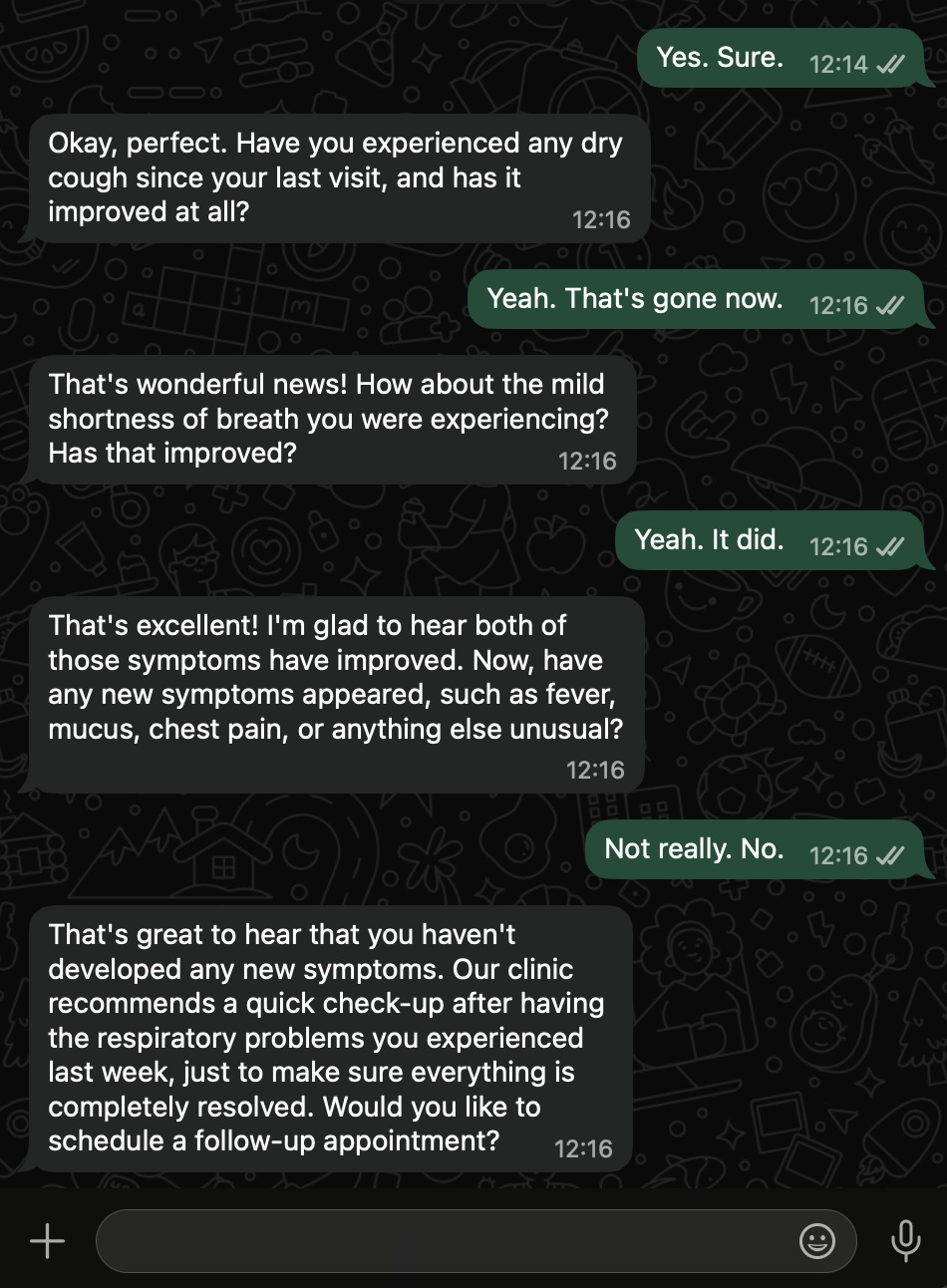
Two-way text messaging through standard SMS, maintaining conversational context across messages.