> ## Documentation Index
> Fetch the complete documentation index at: https://docs.puppeteerai.com/llms.txt
> Use this file to discover all available pages before exploring further.
# Channels
> Ways to surface your Puppeteer agent to patients
You can surface your Puppeteer agent to your patients in several ways, depending on the desired experience and level of customization.
## Web UI
Three web-based options, each with a different level of customization:
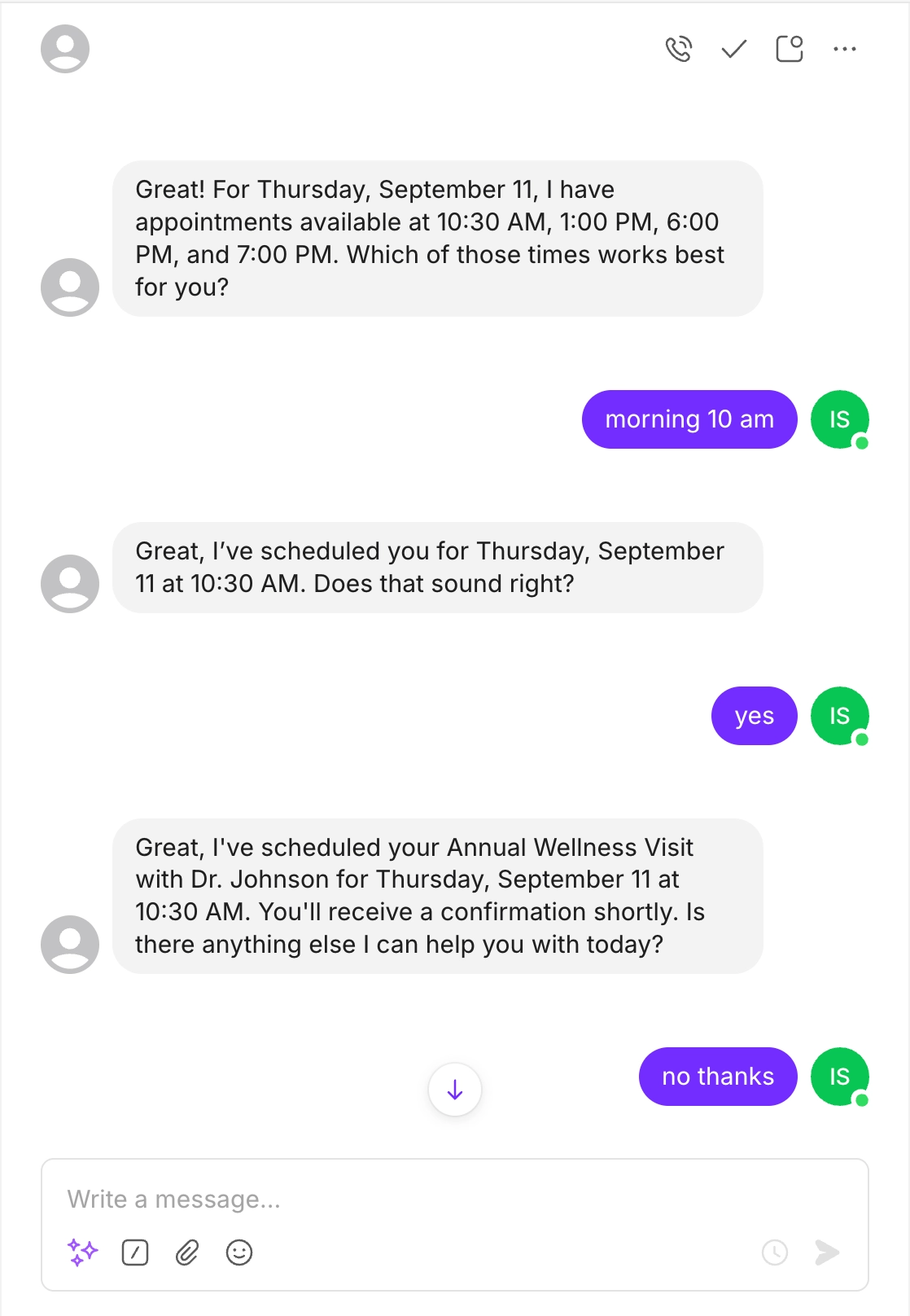
* [**Chat Widget**](/widget) — A floating bubble that expands into a chat window. Install with a single script tag.
* [**Chat Embed**](/chat-embed) — The same chat interface, embedded inline via an iframe.
* [**Rich Dashboard**](/dashboard) — A fully hosted, branded experience with text chat, voice calls, phone calls, form collection, and white-labeling.
## API
Build your own UI or integrate Puppeteer into existing systems using the REST API and WebSocket endpoints.
The endpoints documented in the [API Reference](/api-reference) are a subset of what's available. Contact our team if you need access to additional functionality.
## Phone Call
Agents can make and receive phone calls. This works for both inbound use cases (e.g., an AI receptionist) and outbound ones (e.g., appointment reminders).
## SMS
Two-way text messaging through standard SMS, maintaining conversational context across messages.
 ## WhatsApp
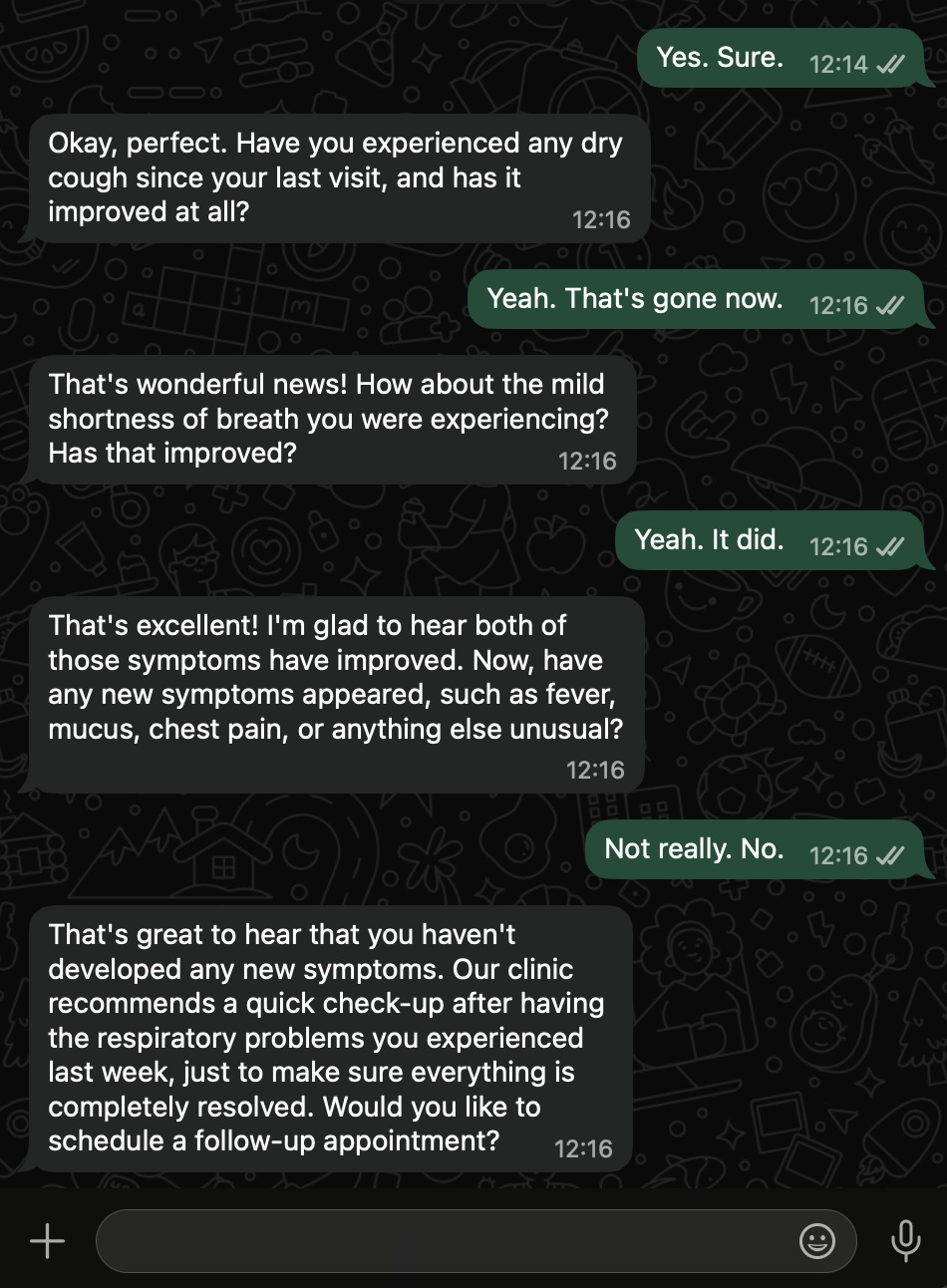
Same functionality as SMS, delivered through WhatsApp.
## WhatsApp
Same functionality as SMS, delivered through WhatsApp.